
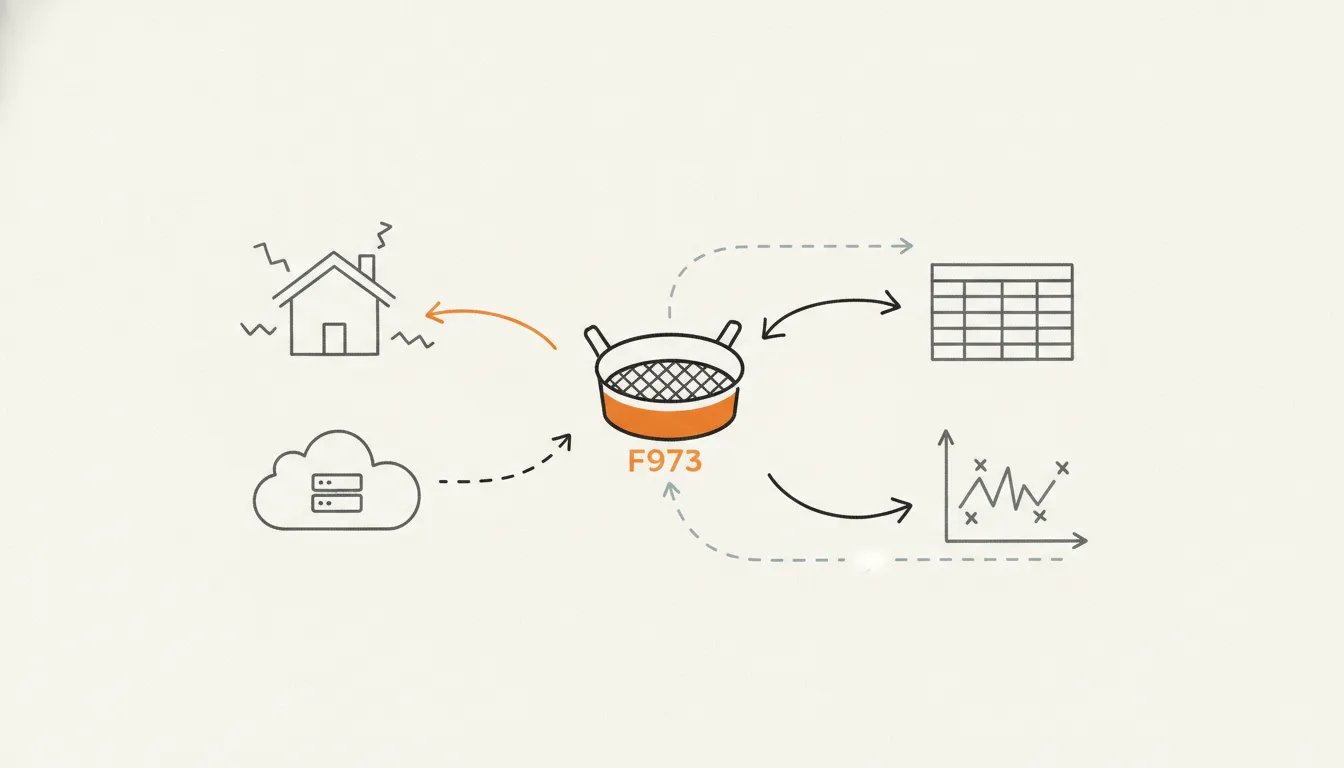
Residential proxies route your requests through IP addresses that internet service providers have assigned to real homes and devices, so websites see your traffic as an ordinary user. Datacenter proxies route through cloud or hosting servers, which are faster and less expensive but carry IP addresses that anti-bot systems can identify as non-residential. For targets with stronger defenses, residential proxies are often necessary; for many other targets, datacenter proxies are adequate. This post explains how each type works, why the distinction matters for detection, what ISP proxies add to the picture, and how managed scraping APIs handle the choice so you do not have to.
Residential vs datacenter proxies: the short answer
A residential proxy uses an IP address that an ISP has allocated to a household. When your request exits through that IP, the destination server sees what looks like a regular home internet connection. As SOAX explains, "websites are less likely to block residential proxies because the traffic from them looks like regular users." That legitimacy is the core value proposition, and it comes at a higher cost per request than the alternative.
A datacenter proxy uses an IP that belongs to a cloud or hosting provider. Hide.me describes the distinction clearly: datacenter proxies "originate from cloud servers and can often be detected as artificial." The right choice depends on three things: how sophisticated the target site's anti-bot system is, how many requests you need to make, and what your budget allows. For teams scraping many different targets at once, a managed scraping API that exposes proxy controls directly in the request is usually the most practical path.
How residential proxies work
Residential proxies route your traffic through a residential IP address assigned by an ISP, making your activity appear to originate from a real home user. The destination server receives the request from that IP and, because the address belongs to a residential ISP allocation rather than a cloud provider, the traffic looks like an ordinary person browsing from home. That is the mechanism behind the lower block rate.
Residential proxies come in two main variants, and the distinction matters for scraping. Rotating residential proxies cycle through a pool of IPs, assigning a different address to each request or each session. This distributes your traffic across many IPs, which reduces the chance that any single IP accumulates enough requests to trigger rate-limiting. Static residential proxies, also called ISP proxies, give you a fixed residential IP that persists across requests, which is useful when the target site tracks session continuity.
The practical use cases where residential proxies earn their cost are those where blending in with real user traffic is essential: web scraping on protected e-commerce or travel sites, ad verification, SEO monitoring, and market research on geo-restricted content. For a deeper look at how servers classify IP addresses in the first place, the post on IP classification and CGNAT covers the underlying mechanics.
Try it yourself
Run this on your own pages
Get a free API key and make your first call in minutes. 5,000 free credits for 7 days, no card.
How datacenter proxies work
Datacenter proxies originate from servers in commercial data centers. The IP addresses belong to cloud or hosting providers rather than residential ISPs, which is the defining characteristic. As hide.me notes, datacenter proxies originate from cloud servers and can often be detected as artificial, which is the core limitation for scraping heavily protected targets.
For many targets, datacenter proxies are adequate. Sites with little or no bot detection present no meaningful obstacle to a datacenter IP. The limitation becomes relevant when the target runs a serious bot-detection layer, because the non-residential origin of the IP is identifiable before any behavioral analysis begins.
Detection risk: why the proxy type changes your block rate
Anti-bot systems do not rely on a single signal. The first layer examines the origin of the incoming IP: residential IPs are harder to detect and block because they appear to come from real home users, while datacenter IPs can often be detected as artificial, as hide.me explains. Passing this first check is necessary but not sufficient.
A second layer examines behavioral signals: how many requests arrive from the same IP in a short window, whether the HTTP headers are consistent with a real browser, and whether the request pattern looks human. This is why rotating through a residential pool helps but does not guarantee success on its own. If your rotation cycles too fast, or your headers are inconsistent, behavioral analysis can still flag the traffic as automated even though the IP itself looks residential.
The practical implication is straightforward. For targets with basic protection, datacenter proxies work. For targets with layered anti-bot systems, residential proxies are the better fit, and they need to be paired with realistic headers and sensible request pacing. Our guide on mastering web scraping proxies covers the behavioral side of this in more detail.
ISP proxies: the middle ground
ISP proxies, also sold as static residential proxies, occupy a distinct position between rotating residential and datacenter proxies. As ProxyEmpire describes them: "ISP proxies give you a residential IP address that belongs to a real internet provider such as AT&T or Comcast but runs on fast servers, and it stays yours for the whole month."
The key difference from rotating residential proxies is persistence. You get the same IP for the duration of your subscription, which means the target site sees a consistent identity across sessions. The IP still appears residential because it belongs to a real internet provider, so you get the detection benefit of a residential address with the stability of a fixed identity.
ISP proxies are a strong fit for tasks that require a believable, persistent identity: session-heavy scraping, account management, or any workflow where IP consistency matters more than IP variety. For workloads that need to distribute very large numbers of requests across constantly changing IPs, a rotating residential pool is usually the better match.
How managed scraping APIs handle the proxy layer
A managed scraping API sits between your code and the target site. You send a URL and receive back the page content; the API handles proxy selection, rotation, retries, and header management. This matters for the residential versus datacenter question because the API can expose proxy controls at the request level, letting you specify what you need without building or maintaining a proxy pool yourself.
Ujeebu's Scrape API exposes this through documented parameters. The proxy_type parameter defaults to rotating. The proxy_country parameter pins the exit node to a specific country, which is important for geo-sensitive targets. The proxy_session parameter is available for session-level control, and auto_proxy is listed in the docs for cases where you want the API to manage proxy behavior. Full details are in the Scrape API documentation.
Here is a minimal example that scrapes a page with a US exit node:
curl -X GET 'https://api.ujeebu.com/scrape?url=https://scrape.li/quotes/&proxy_country=US' \
  -H "ApiKey: YOUR_API_KEY"
And the same request in Python, adding json=true so the response parses cleanly:
import requests

response = requests.get(
    "https://api.ujeebu.com/scrape",
    params={
        "url": "https://scrape.li/quotes/",
        "proxy_country": "US",
        "auto_proxy": True,
        "json": True,
    },
    headers={"ApiKey": "YOUR_API_KEY"},
)
print(response.json())
The credit cost varies by request type. A plain scrape costs 1 credit; a scrape with JavaScript rendering costs 5 credits. On the Starter plan, that translates to roughly $0.16 per 1,000 plain scrapes and $0.82 per 1,000 JS-rendered scrapes. On the Business plan those figures drop to $0.07 and $0.33 respectively. Blocked, timed-out and server-error requests are not billed (a 404 response is). Full plan details are at /pricing.
When to buy proxies yourself vs using a scraping API
Both approaches are legitimate, and the right answer depends on your situation.
Buy proxies directly when:
- Your target list is fixed and predictable. If you scrape the same handful of sites at high volume, you can tune a proxy pool specifically for those targets and amortize the setup cost.
- You have engineering capacity to manage the stack. Rotation logic, retry handling, header management, and CAPTCHA solving all require ongoing work. If your team has that capacity and wants full control, direct proxy purchasing makes sense.
- You need the lowest per-IP cost at very high volumes. At sufficient scale, buying proxy capacity directly can be cheaper than per-request API pricing.
Use a managed scraping API when:
- You scrape many different targets. Different sites have different anti-bot sophistication, and a managed API can adapt per request without you reconfiguring anything.
- You want to pay for results, not capacity. API pricing is per successful request, so you are not paying for idle proxy bandwidth or failed attempts.
- You need JS rendering, CAPTCHA solving, and proxy rotation bundled. Building each of these separately takes significant engineering time; a managed API provides them as parameters on a single endpoint.
The hidden cost of a self-managed proxy stack is worth naming explicitly. Residential proxy pools, rotation logic, browser fingerprinting, and CAPTCHA handling each require engineering time to build and maintain. For teams whose core work is not scraping infrastructure, that time is usually better spent elsewhere. The proxy resource page has more on evaluating proxy options, and /pricing shows the full Ujeebu plan breakdown if you want to run the numbers for your volume.
If you want to test the proxy controls without committing to a plan, the free trial includes 5,000 credits with no credit card required.
FAQ
What is the difference between a residential proxy and a datacenter proxy?
A residential proxy uses an IP address assigned by an ISP to a real home or device, so websites classify the traffic as coming from an ordinary user. A datacenter proxy uses an IP from a cloud or hosting provider, which can often be detected as artificial. The practical consequence is that residential proxies are harder for anti-bot systems to block, while datacenter proxies are more straightforward to identify.
Are residential proxies always better for web scraping?
No. Residential proxies are the better choice when the target site runs anti-bot checks that classify traffic by IP origin. For sites with little or no bot detection, datacenter proxies work fine and cost less. The right choice depends on the specific target, not on a general rule.
What are ISP proxies and how do they differ from residential proxies?
ISP proxies, also called static residential proxies, are IPs that belong to real internet providers but run on fast servers and stay fixed for the duration of your subscription. Standard rotating residential proxies cycle through many IPs across a pool; ISP proxies give you a consistent identity that persists across sessions. Both appear residential because the IP belongs to a real ISP.
Can websites detect residential proxies?
Yes, though it is harder than detecting datacenter proxies. Residential IPs are harder to detect and block because they appear to come from real home users. However, behavioral signals such as request rate and header consistency can still reveal automated traffic even when the IP itself looks legitimate. Residential proxies reduce detection risk; they do not eliminate it.
Do scraping APIs use residential or datacenter proxies?
Managed scraping APIs typically expose proxy controls at the request level so you can specify what you need. Ujeebu's Scrape API includes proxy_type, proxy_country, proxy_session, and auto_proxy parameters, letting you control proxy behavior without managing the underlying pool yourself. See the Scrape API docs for the full parameter reference.
Try it yourself
Run this on your own pages
Get a free API key and make your first call in minutes. 5,000 free credits for 7 days, no card.